Scheduling
without the hassle
Automate the busywork of scheduling with the world's #1 scheduling tool. Sign up for free and start booking better meetings, faster.
.png)
Simplified scheduling for more than
20 million users worldwide




.svg)

How Calendly Works
Create a Scheduling Link
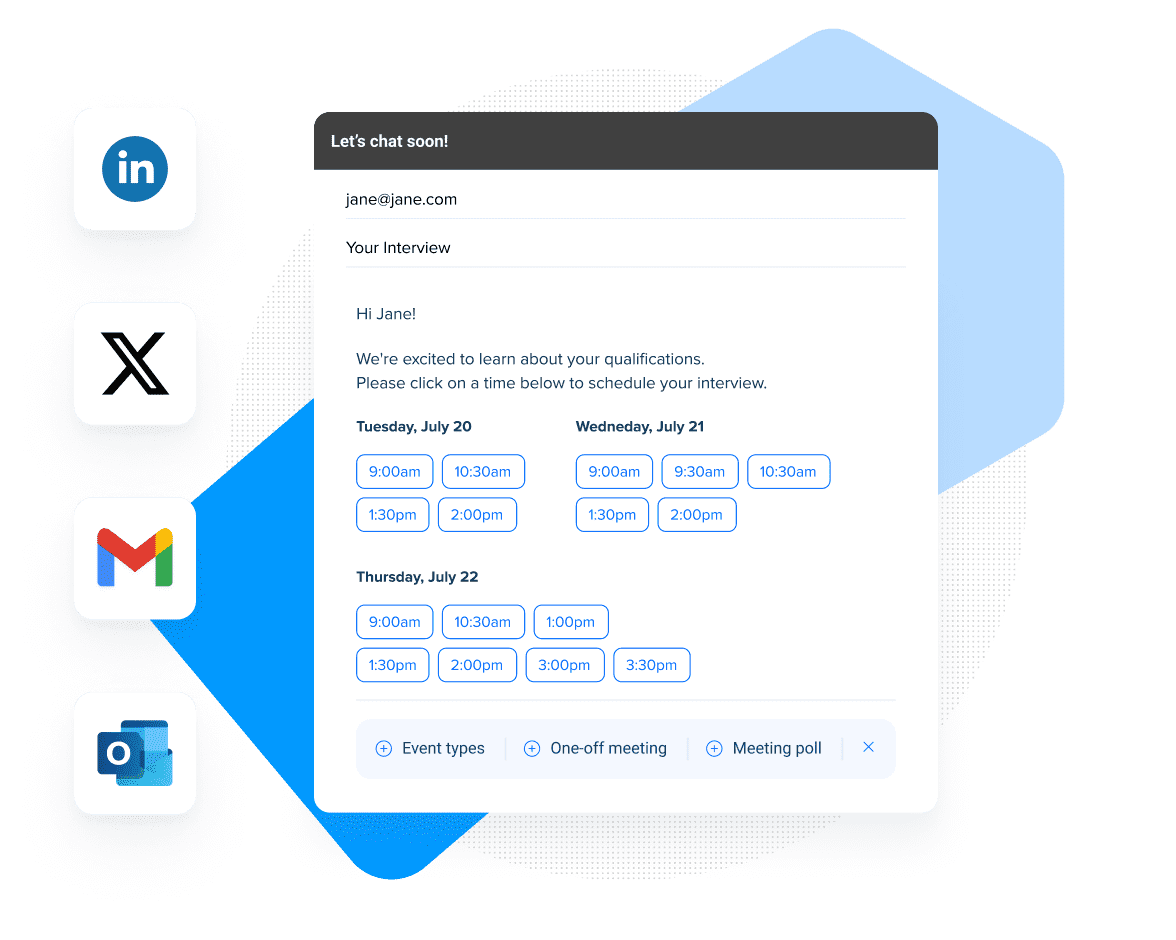
Connect your calendar and Calendly will help you create scheduling links and booking pages based on your availability. Share your Calendly link with others so people can book time with you in one click.
Team-based scheduling
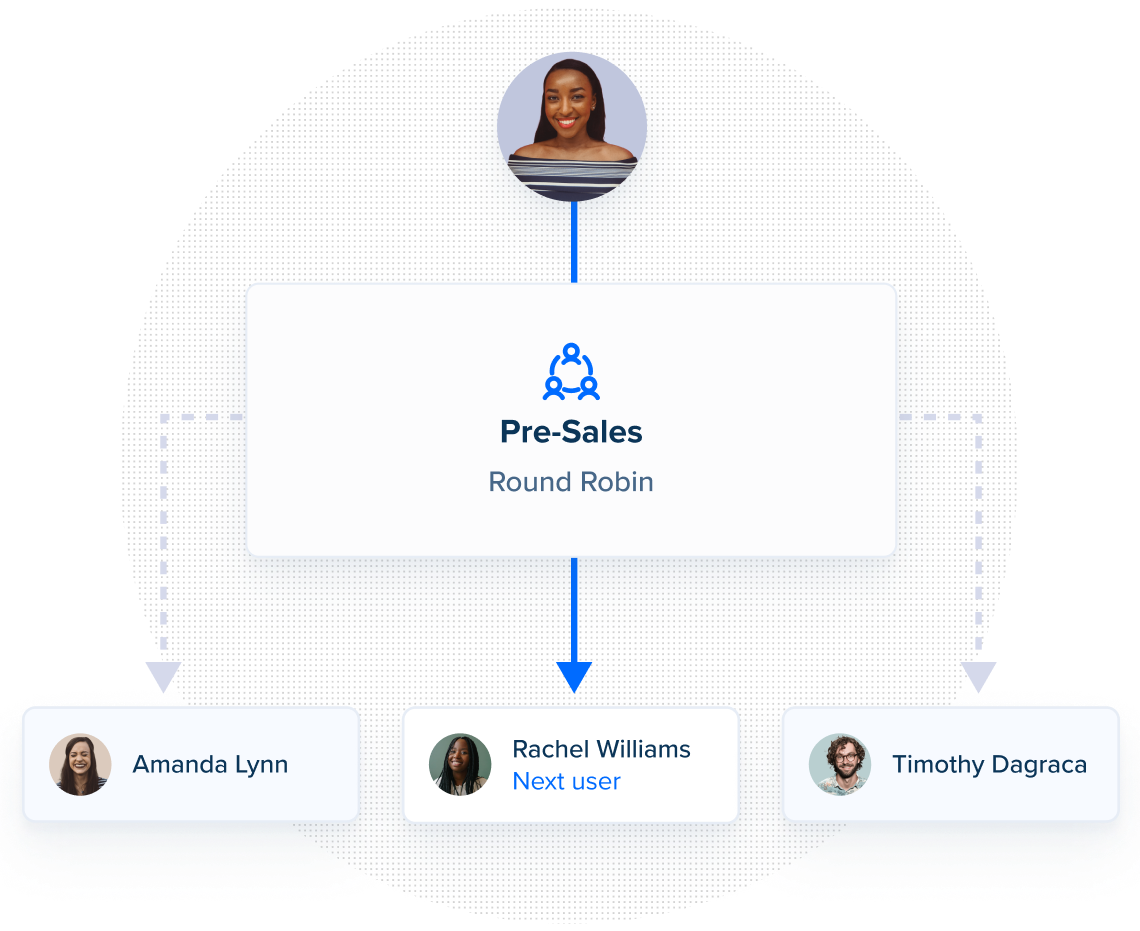
Booking links can be based on different event types - from 15-minute Zoom calls to 30-minute in-person meetings – and rules. Include other members of your team, route the meeting to the right people on your team, and collaborate around scheduling requirements.
Workflows and integrations
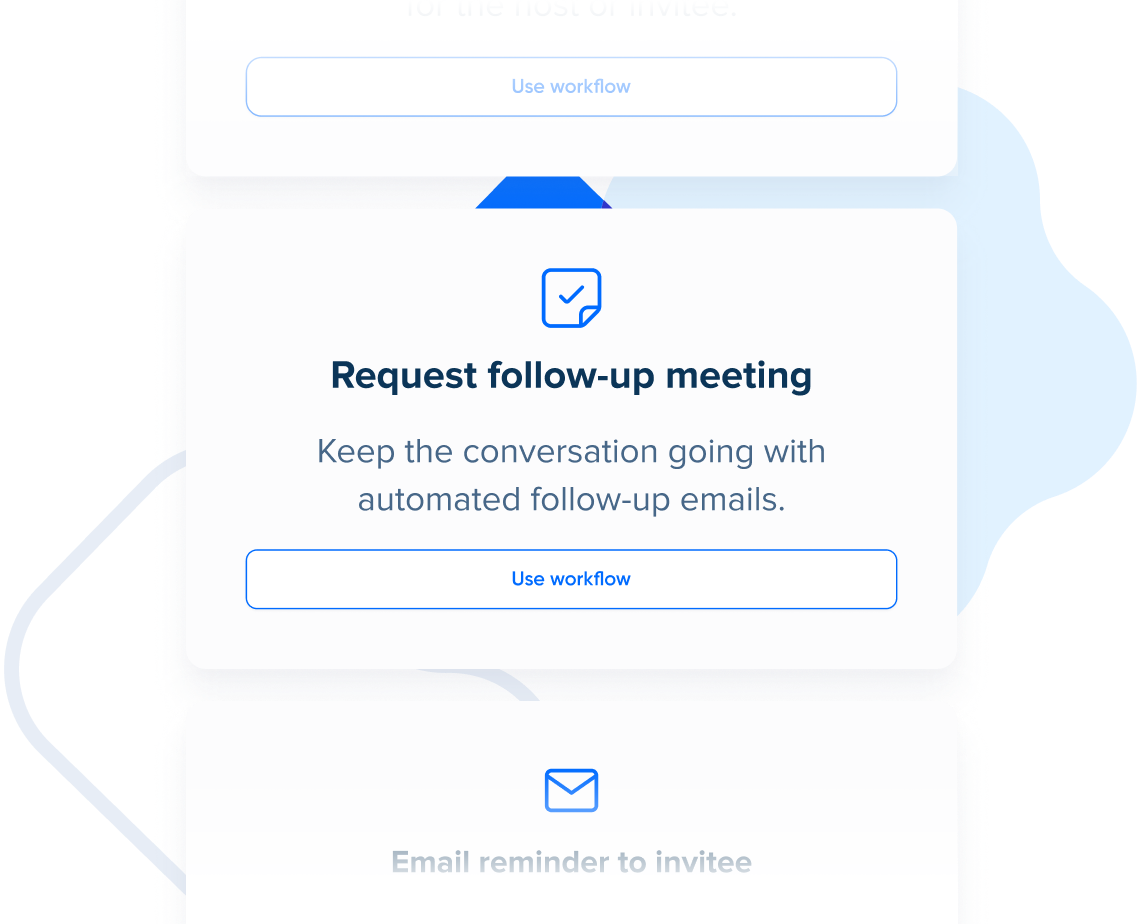
Workflows and integrations connect Calendly to your process and other tools. Send reminders, follow-ups, and connect your CRM, video conferencing, and even billing platforms!
Designed for your whole organization
With Calendly commonly used to power meetings with prospects, customers, recruits and more, it’s ideal to power scheduling for your whole company with meeting analytics, and enterprise-ready admin, security, and IT-oriented features.
.png)
Améliorez l'efficacité et la performance de vos ventes

Increase in demos scheduled
100%

Fewer scheduling emails needed to launch projects
40%